
01
The video is exported and named. It sits in Downloads because posting means opening YouTube Studio and finding the title you wrote last night.
It's already running my own channel — not a demo, the actual posting.
You tell it which piece to publish, with one typed command. It posts it, and you never open the app yourself.
It comes as a ZIP and so far it has run on a Mac. On Windows? Write to us. YouTube takes your video straight from your computer; for Instagram you host the image at a public web address first.
$7 — get founding accessIt runs on your own files, in your own accounts. One login does come back: while your Google project is in "Testing", Google ends the YouTube login after 7 days. When it does, the next post stops and tells you. Run authorize.py again; it takes about a minute.
Drop your files, let it run. If you don't like what comes out, reply and I'll refund the $7, no questions asked.
The video is exported and named. It sits in Downloads because posting means opening YouTube Studio and finding the title you wrote last night.
The caption is in Notes, the image is in another app, and posting means pasting between them.
You make five pieces on Sunday. By Wednesday three are still unposted, because each one needs its own trip into the app.
You skipped a post because you couldn't remember whether the one before it had actually gone out.
Insight
Making the piece got help. Getting the finished file to a live post still means a trip into the app.
A finished piece is two files in one folder: the video, and a text file with the same name. Line one of the text file is the title, then a blank line, then the description. You type one command with that name. Scribe Hands reads both files, signs in to your own YouTube channel with your own Google login, and uploads. No dashboard sits between your folder and your channel; the command does it.
Scribe Hands posts what you have already made. It doesn't write the caption or design the image. For YouTube, the video and a text file share one name, like my-video.mp4 and my-video.txt. For Instagram, you make only the text file: line one is the public web address of your image, then the caption. One name per post. That name is what you hand the command.
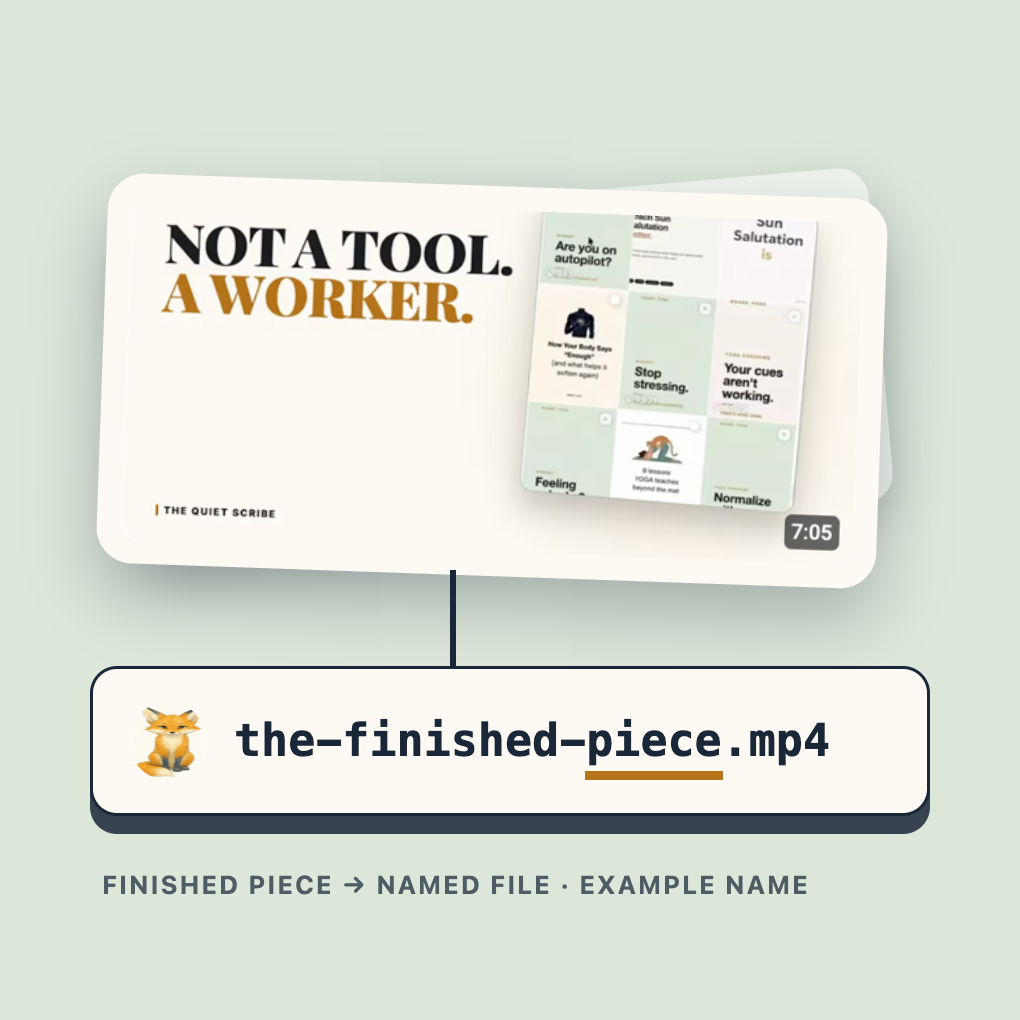
Run the command once with --dry-run first. It reads your pair back to you, says what is missing, and makes no call to YouTube. Then run the same line without it. Scribe Hands reads the title and description from your text file and uploads. Setup locks Scribe Hands to the one channel you chose, and signing in to a different channel is refused.
It handles the actual posting through your own account. No opening the platform's own app, no re-typing what you already wrote.
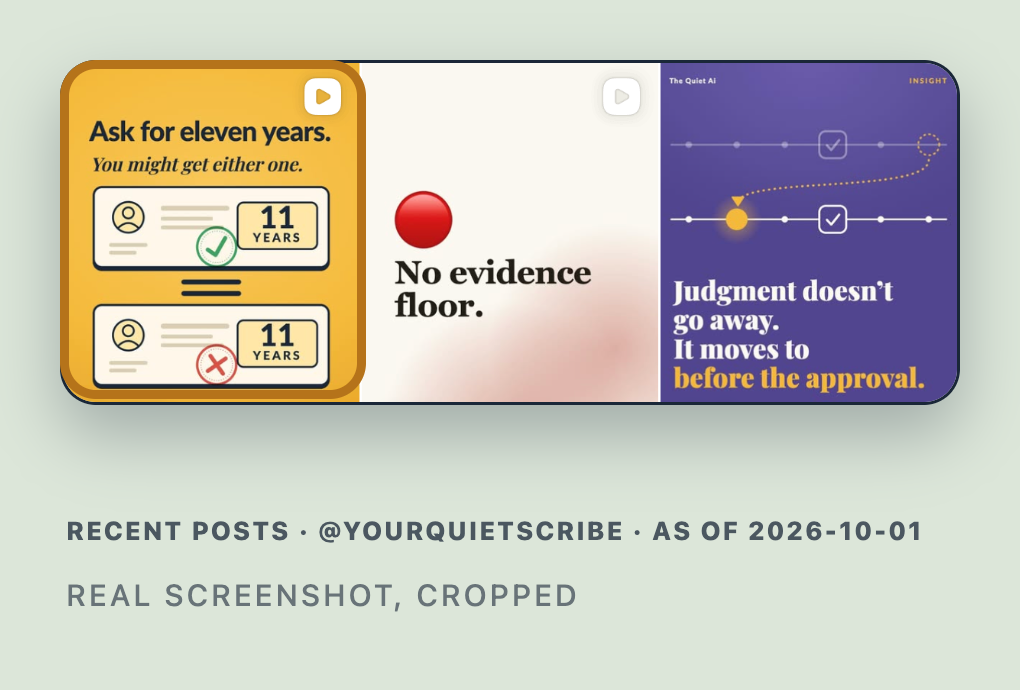
The Quiet Scribe's own recent posts, as of 2026-10-01.
The second one doesn't ask the first command what it thinks happened — it makes its own live call to your account and looks at what's actually there. A step that only ever tells you what it wants to be true isn't proof, it's just a louder guess.
The narration in this video is an AI-generated voice.
As far as we can tell, the flow with a scheduler like Metricool is: finish the piece, export or upload it, open the dashboard, find it, confirm the caption, pick the platform, hit schedule. Then repeat per piece.
Then repeat per piece.
That's the whole list.
We haven't found another tool that skips that middle step entirely — the dashboard visit is still there even in the tools built to make scheduling easier. Scribe Hands is built to remove the visit, not speed it up.
Skip the dashboard. Not just the wait.
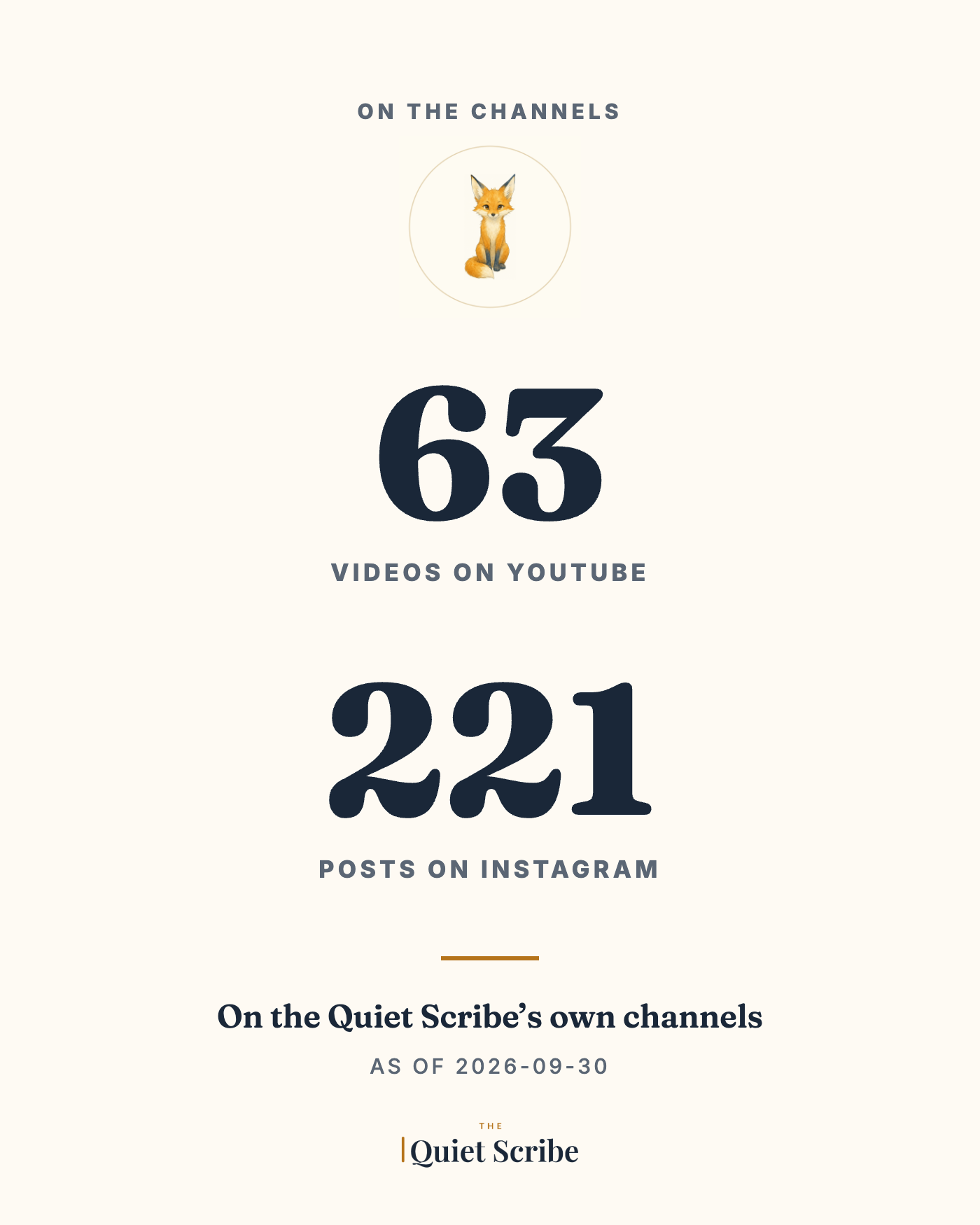
It's the tool that posts my own YouTube and Instagram. Those are the real accounts.
Scribe Hands isn't finished yet. This is a founding beta, and founding beta access is $7.
That's not a discount on a finished product. It's early access to one still being shaped — which means founding buyers get more of me, not less: hands-on help getting set up, because you're helping me find what's actually confusing before anyone else hits it. Once that's solved, setup calls stop and it ships self-serve at $47.
No countdown. No "X spots left" ticker. The beta is the reason this price exists.
The guarantee. Drop your files, let it run. If you don't like what comes out, reply and I'll refund the $7, no questions asked.
$7 — get founding accessThis is your first AI worker, not the whole toolkit. There's a wider team waiting behind it — what that unlocks gets explained once you're in, not priced here.
That's the real question, and it deserves more than "it's been fine so far." Scribe Hands is built around two separate steps on purpose: one command publishes, a second, independent command checks. The second one doesn't ask the first command what it thinks happened — it makes its own live call to your account and looks at what's actually there.
You can ask it to write the title and the caption, and it will. Posting is the other half. Someone has to hold a login to your YouTube channel, read the file off your computer, make the upload call, and then look at the channel to see whether it went live. A chat window on its own does none of that. You could have it write you a script to do those parts, and then you would be the one setting up the Google project, running it, and fixing it when the login lapses. Scribe Hands is that script, already written, with the setup steps in order.
As far as we can tell, connecting Metricool to your Drive gets you file access, and publishing still goes through its dashboard: one visit per post. Scribe Hands shows what's actually live, checked separately.
Your sign-in and keys live in a hidden folder called .quiet-scribe in your home folder, readable only by you. They are not kept in the Scribe Hands folder. Google's own screen shows your project as an app in "Testing," with your email as the only allowed user, and while it stays there Google ends the YouTube login after seven days. When that happens the next post stops and tells you, and you run authorize.py again, which takes about a minute.
Not from a file on it. Instagram's publishing system accepts only a public web address for an image or video, never a file from your Mac, so you host the file first and put its address on line one of the text file. YouTube is the opposite: it takes the video straight from your computer. This guide covers one image or one video at a time.
A Mac. Terminal, which setup walks you through one line at a time. A YouTube channel you can sign in to. A free Google Cloud project of your own, because there is no shared account behind Scribe Hands and your uploads never depend on anyone else. For Instagram, a Business or Creator account and a free app of your own with Meta. Setup for YouTube is fifteen short steps on one page, and Instagram adds ten more.
It does one job: it publishes what you've already made. Once that's running, the next question answers itself — who makes what gets published? That's a different worker's job, waiting behind this one. Then another question comes after that one. Each of those is a job Scribe Hands doesn't try to do itself — that's not a gap, it's the reason a team is worth hiring one job at a time. More on what's behind it once you're in.